In your browser
On your computer, nothing installed.
Run this in your site’s folder. Galley starts on your computer and opens in your browser; quitting stops it.
npx galley-cmsThe same app, in its own window, for every site you look after.
On a Mac with an Intel processor? It’s in the list below.
Version 0.4.2 · All files for this version
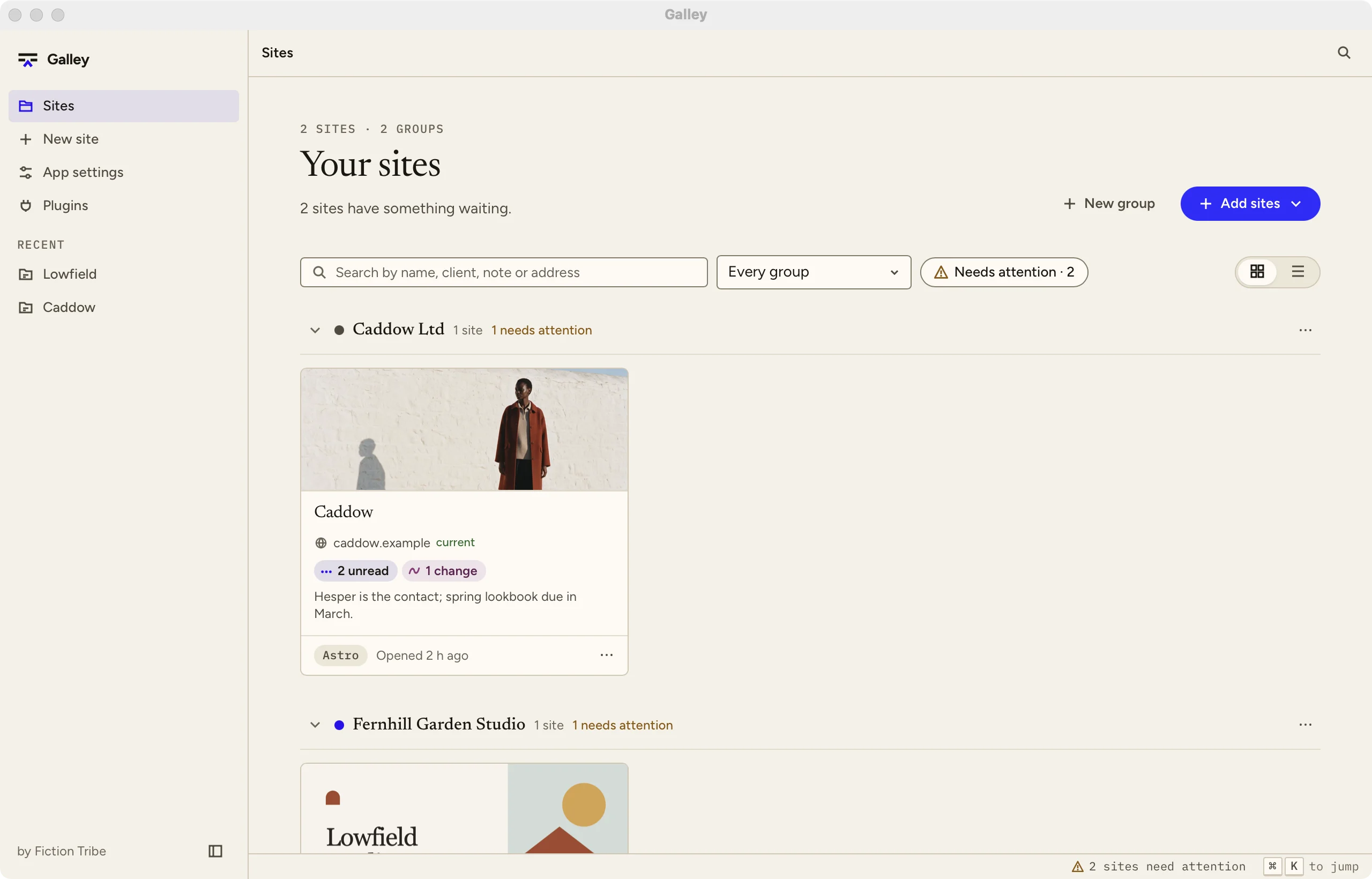
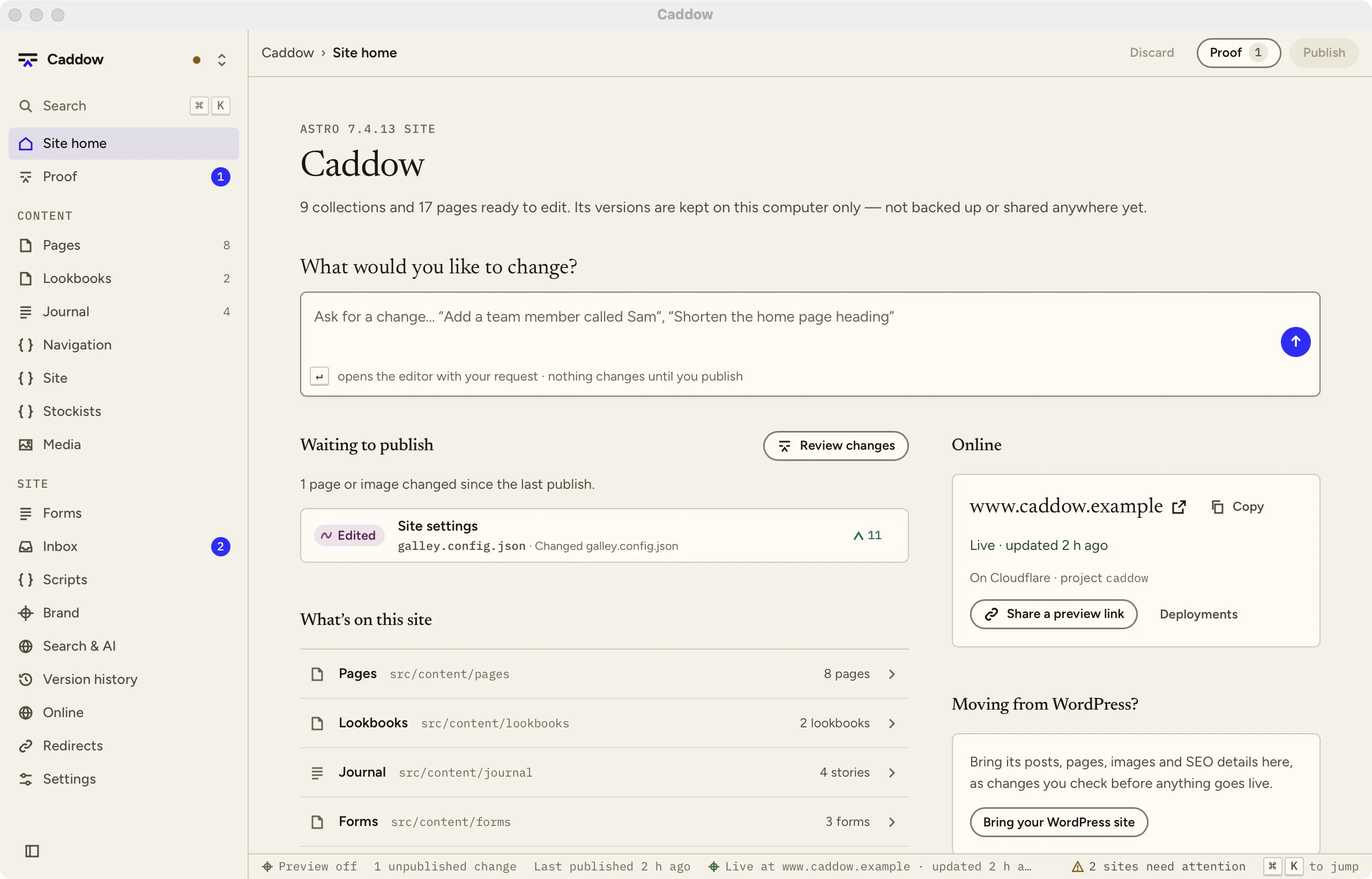
The form, the page itself, the assistant, Proof and Publish — the app runs exactly what runs in the browser, and stops it when you quit.
Add every site you look after, open each in its own window, and the app reopens them where you left them.
Each keeps its own files and version history in its own folder, exactly as it does without the app.
Signed and notarised by Apple, so it opens like any other app.
.dmg and drag Galley into Applications.Not signed yet, so Windows warns you the first time. These steps open it anyway.
.AppImage run as a program: in its Properties, allow executing it — or run chmod +x on it in a terminal.In your browser
Run this in your site’s folder. Galley starts on your computer and opens in your browser; quitting stops it.
npx galley-cmsOn your own server
An editor on a server you run, for one site, with an account for each person — owners, editors and contributors — and each publish under its author’s name. It runs with Docker; Fiction Tribe hosts nothing.
Try it first
In your browser, with nothing to install and nothing saved. It needs a computer-sized screen.
Open the demo